Can ATS read PDF resumes? (tested, 2026)
Yes, modern ATS platforms read text-based PDF resumes fine. Here is what actually breaks parsing, plus a two-minute test you can run yourself.
- ATS
- Resume formatting
- Job search
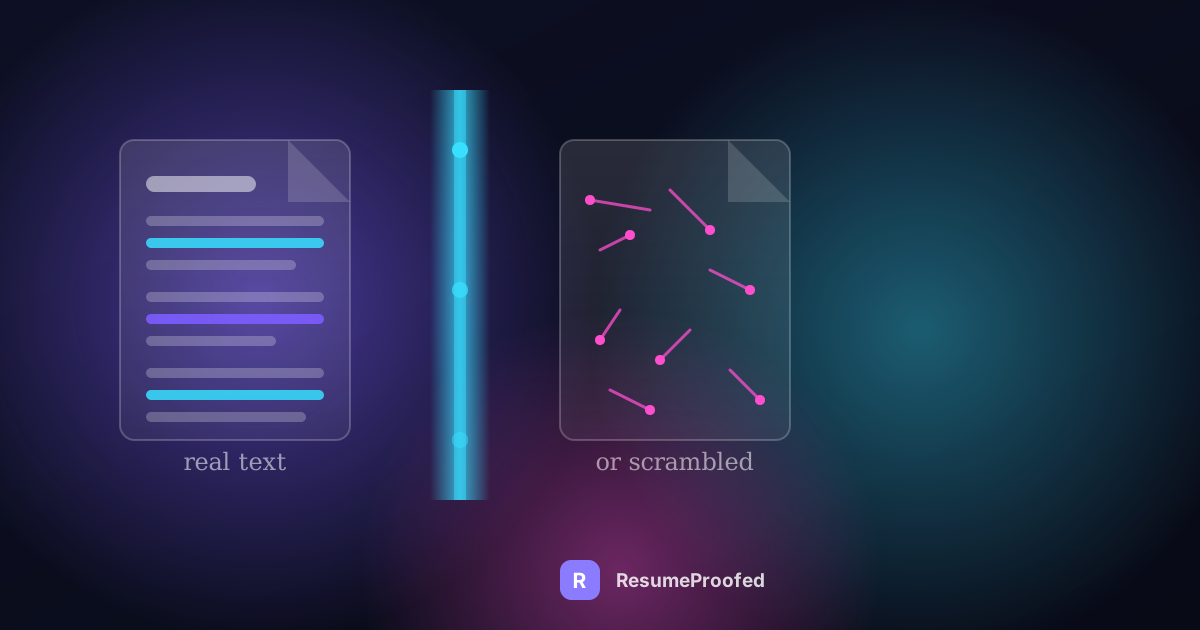
Yes, an ATS can read a PDF resume. Workday, Greenhouse, Lever, Taleo and SmartRecruiters all parse a normal, text-based PDF without much trouble in 2026. That answer is short because it is not really the question that matters.
The question that matters is why some PDFs fail anyway, and the answer has almost nothing to do with the file extension. It is about what is inside the file. A PDF built from a scanned image, a decorative font converted to outlines, a two column layout, or text tucked into a header, will confuse a parser whether it is a .pdf or a .docx. Format is a red herring. Construction is the real variable.
This post covers how parsing actually works, the specific things that break it, an honest comparison of PDF against Word, and a two minute test you can run on your own resume right now to see exactly what a parser sees. If you want the fuller picture of what an ATS does after your file is parsed, including why "ATS score" is not a real thing, we covered that in does an ATS score your resume. This post picks up where that one left off and goes deep on the file itself.
So, can an ATS read a PDF resume? Here's what actually happens
An applicant tracking system does not "look" at your resume the way a person does. It runs a parsing engine over the file to pull out structured text: your name, your job titles, your dates, your bullet points. That structured text is what gets stored, searched and displayed to a recruiter.
For a modern, text-based PDF, that process is genuinely straightforward. The parser opens the file, reads the embedded text layer (the actual characters, not a picture of characters), and maps them into fields using cues like whitespace, font size and position on the page. A well-built PDF exported from Word, Google Docs or a template tool hands the parser exactly that: real, selectable text in a predictable, single-flow layout. There is nothing inherently PDF-shaped about the failure stories you read online. Those stories are almost always about a specific kind of PDF, not PDFs generally.
Where things go wrong is when the file does not contain a text layer at all, or contains one that reads in the wrong order. Both problems are entirely possible in a Word document too. The file extension is not doing the damage.
The four things that actually break parsing
These four causes account for the overwhelming majority of "the ATS could not read my resume" complaints, and every one of them can happen in a PDF or a Word file.
Image-based PDFs
This is the big one. If your resume was scanned from paper, or exported from a design tool as a flattened graphic, or saved from Canva in a way that rasterises the page, the file that reaches the ATS contains no text at all. It is a picture. A parser looking at a picture finds nothing to extract, and to the database your entire resume can come back blank or reduced to a filename. This is the one genuinely unrecoverable failure on this list: no clever formatting trick saves an image with no text layer underneath it.
Decorative fonts converted to outlines
Some design tools, and some PDF export settings, convert text into vector outlines rather than keeping it as text. Visually the result looks identical to a real font. Structurally it is now a drawing of letters, not letters. A parser cannot extract characters from a shape, so a heading that looks perfectly normal on screen can vanish entirely from the parsed record. This tends to happen with elaborate templates and infographic-style resumes, and it is invisible until you specifically test for it.
Multi-column layouts
A two column layout, the kind with a narrow sidebar for skills or contact details next to a wider column of experience, looks organised to a human eye. A parser generally reads left to right, top to bottom, in one pass. Fed a sidebar layout, it frequently reads straight across both columns, splicing a line from your skills list into the middle of a job description. Your career does not come out wrong, exactly. It comes out shuffled, and a shuffled work history is functionally indistinguishable from a badly written one once a recruiter's search pulls it up.
Headers, footers and text boxes

Many parsers are configured to skip page headers and footers entirely, because that is usually where page numbers and document titles live, not candidate content. If your name and phone number sit in the header of the page (a common default in Word templates), a meaningful share of parsers never see them. The same applies to standalone text boxes: some parsing engines read the main content flow and skip anything floating outside it, so the paragraph you carefully positioned in a box for visual balance can simply not exist to the database.
None of these four is about PDF versus DOCX. All four can be present in either format, and all four are avoidable with a plain, single-column, real-text layout.
PDF vs DOCX for an ATS, honestly
The "always submit Word, never PDF" advice was accurate advice for an older generation of parsing engines and has not fully updated with them. It is not wrong to still follow it. It is outdated as a blanket rule.
Here is the honest version. Modern platforms including Workday, Greenhouse and Lever handle a clean, text-based PDF about as reliably as a .docx, and a PDF has a real advantage for the human read that follows: your layout, spacing and fonts render identically on every device, where a Word file can shift its line breaks depending on the reader's software and installed fonts. Jobscan's own testing has landed on recommending PDF as the safer default for exactly that reason, provided the text is genuinely selectable rather than an image. Greenhouse's support documentation lists PDF, DOC, DOCX, RTF and TXT as accepted upload formats without singling any of them out as a parsing risk, which is a reasonable proxy for "we handle this fine."
Older or more conservative systems tell a slightly different story. Taleo in particular has a long-standing reputation as one of the less forgiving parsers, especially with Unicode characters, unusual symbols and anything beyond a basic single-column structure, and some job boards still process PDFs by converting them first, which is an extra step where things can go wrong. Indeed's own advice to job seekers, for instance, still leans towards Word for direct ATS upload on the grounds that Word is scanned more predictably for keywords, reserving PDF for cases where formatting preservation or a direct request matters more.
So the practical rule is this. If a job posting or portal explicitly asks for one format, use that one. If you have no information about which system you are dealing with, and particularly if the portal looks old, clunky or unbranded, a plain .docx remains the safer default precisely because it removes one variable from a situation where you cannot see the parser. If you are applying through a known modern system, or submitting directly by email, or the portal accepts either with no stated preference, a clean text-based PDF is a perfectly reasonable, arguably better, choice. What should never happen in either format is an image, a scanned page, or a heavily designed template exported in a way that flattens the text.
Test your own PDF in two minutes
You do not need to trust a vendor's marketing claims about their own parser, and you do not need a paid checker either. You can approximate what a parsing engine sees using nothing but your own resume file and a plain text editor, in under two minutes.
- Open your resume file wherever it currently lives, whether that is a PDF viewer or Word.
- Select all the text and copy it. Use Ctrl+A or Cmd+A, then Ctrl+C or Cmd+C.
- Open a genuinely plain text editor. Notepad on Windows, TextEdit switched to plain text mode on a Mac, or any empty text box that strips formatting, such as the address bar of a new email. Do not paste into another Word document, because Word will silently preserve structure that a real parser would not.
- Paste and read what comes out, top to bottom, exactly as it lands.
Now check three things in that raw output. Is your name and contact information present at all, or has it dropped out because it lived in a header? Do your job titles, employers and dates appear in the correct order, or has a sidebar spliced itself into the middle of your experience? Is there any text at all, or did the paste produce nothing, which is the signature of an image-based file with no text layer underneath it.
There is a second, faster version of this same test if you are working from a PDF specifically: try to save it as a .txt file directly from your PDF reader's export or "save as" menu, where that option exists. If the export tool cannot produce readable text, or produces nothing, neither can a parser, and you have your answer without even needing the copy-paste step.
If your output reads cleanly, in the right order, with nothing missing, your file will very likely parse the way you intend regardless of whether it is a PDF or a DOCX. If it comes out garbled, reordered, or empty, that is not a hypothetical problem. That is precisely what lands in the database when you submit it, and it is worth fixing before you send another application.
What "ATS-friendly" actually means
Strip away the myths and "ATS-friendly" is a narrower, more useful idea than most advice makes it sound. It does not mean a secret formatting trick that unlocks a hidden approval, and it does not mean a specific font or a specific number of keywords. There is no such gate, and we said as much at length in the piece on whether an ATS scores your resume: there is no pass mark to design for.
What it actually means is narrower and more mechanical: a file that a parsing engine can extract cleanly, in the right order, with nothing missing. That is the entire bar. A single column layout. Real, selectable text rather than an image or an outline. Standard section headings a machine can recognise, like "Experience" and "Education", instead of stylised alternatives. Contact details living in the body of the page, not the header. Conventional dates sitting next to the role they belong to. Genuine vocabulary from the job advert appearing in context, inside a bullet that proves it, rather than stacked into a keyword list, which is a separate and different problem from formatting covered in more depth in how to pull the right keywords from a job description.
An ATS-friendly resume, in other words, is simply a well-structured one. Nothing about that requires an ugly document, and nothing about it changes based on whether you save it as a PDF or a DOCX. It changes based on whether a machine reading top to bottom, left to right, can reconstruct your career the same way a person would.
Common questions
Can ATS read PDF resumes?
Yes. Modern systems including Workday, Greenhouse, Lever and SmartRecruiters read text-based PDFs reliably, extracting the embedded text layer much as they would from a Word file. The exception is an image-based PDF, such as a scan or a flattened export, which contains no extractable text at all and will not parse in any system.
Do ATS systems read PDF the same as Word?
For a clean, correctly built file, yes, close enough that the difference rarely decides an outcome on modern platforms. Older or stricter systems, and some legacy job boards, are more consistent with Word, so DOCX remains the safer choice when you do not know what you are submitting to.
Should I use PDF or Word for my resume?
Follow the job posting's instructions if it gives any, since ignoring a stated format is a worse signal than any parsing risk. Absent instructions, a text-based PDF is a strong default on known modern systems and preserves your formatting for the human reader, while DOCX is the safer fallback on an unfamiliar or old-looking portal.
Why did my PDF resume come out scrambled or blank in an application?
Almost always one of four causes: the PDF is an image with no text layer, decorative text was converted to outlines during export, a multi-column layout confused the reading order, or key details sat in a header, footer or text box the parser skipped. None of these are inherent to PDF as a format, and a Word file with the same design choices fails the same way.
Does a multi-column resume break ATS parsing?
It frequently does. Most parsing engines read in a single left to right, top to bottom pass, and a sidebar or multi-column layout can cause lines from different columns to interleave, scrambling job titles, dates and bullet points into the wrong order. A single column layout avoids the problem entirely.
What is an ATS-friendly file format?
There is no single certified format. An ATS-friendly file is simply one containing real, selectable text in a single-column structure with standard section headings and no content hidden in headers, footers or images. Both PDF and DOCX satisfy that when built correctly, and both fail it when built carelessly.
Why we built ResumeProofed this way
We put the file construction problem ahead of the file extension problem, because that is genuinely where the risk lives. Every resume ResumeProofed generates exports as a clean .docx built for parsing from the ground up: real text throughout, no headers or footers holding your contact details hostage, no text boxes, no outlines standing in for fonts.
Our templates are single-column and ATS-safe by design, not as an afterthought bolted onto a more decorative layout. There is no sidebar to scramble your reading order, no infographic skill bars flattened into an image, and no clever visual trick that a parsing engine cannot see. If you later want a PDF for a human reader or a portal that requests one, converting a well-built single-column .docx keeps every advantage this article describes, because the structure was sound before the file extension ever became a question.
Try ResumeProofed free: two tailored applications on the house, no card required.